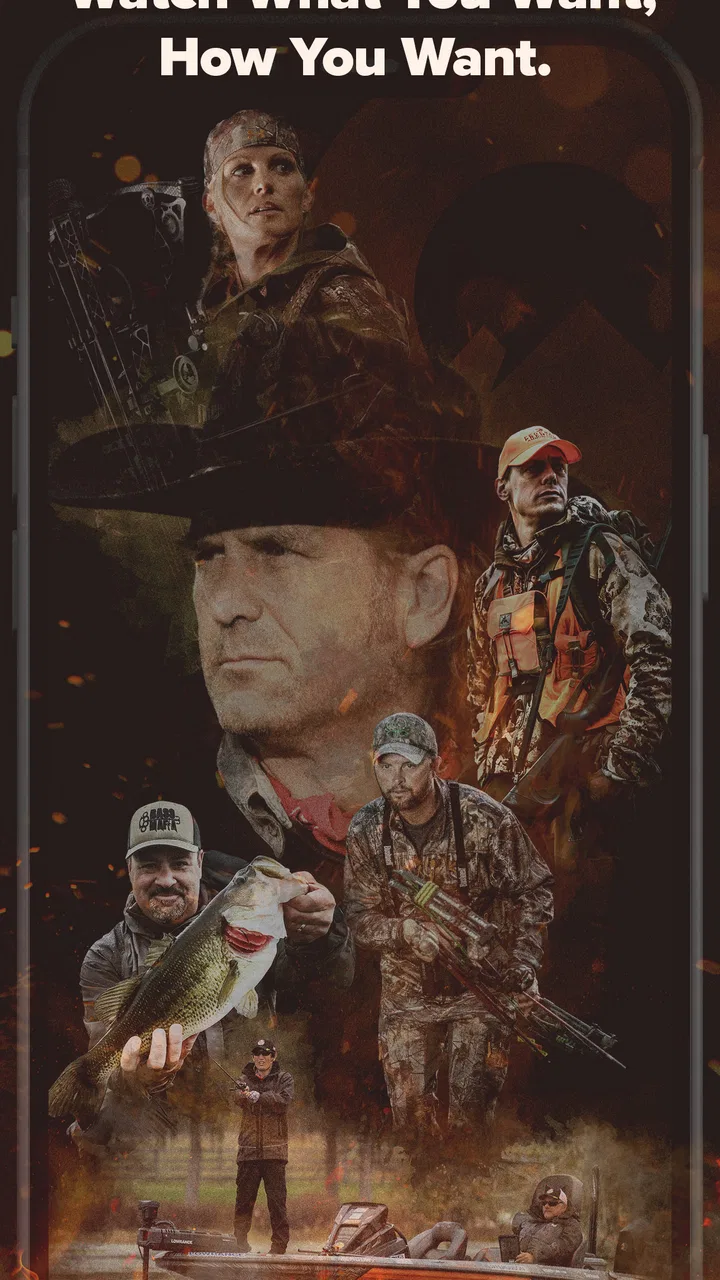
MyOutdoorTV: Hunt, Fish, Shoot
- 4.7
- Rating
- 100.00K
- Installs
- Free
- Price

 Analysis by App-foxy
I approached MyOutdoorTV as a sports streaming app for people who would rather spend their free time outdoors than follow a traditional game schedule. Its focus is clear: hunting, fishing, shooting, and the wider outdoor lifestyle. After using it, I found that its real value depends less on how many videos you can open and more on whether the app fits the way you watch. It works best for someone who already enjoys these subjects and wants a dedicated place for related viewing, rather than a general entertainment service with one occasional outdoor program.
The app is free to install, and KSE MOTV HOLDINGS LLC is listed as its developer. It has built a strong store reputation, with a 4.7 average from around 4.2 thousand ratings and more than 100 thousand installs. Those figures suggest a healthy audience, but they do not remove the need to judge the experience for yourself. Outdoor content can be very specific, and a viewer interested mainly in one activity may find the catalog more useful than someone looking for broad sports coverage.
How clearly the app works for different viewers and situations
I find this app easiest to judge by the viewing situation: a familiar interest and a comfortable screen make its focused outdoor programming feel useful, while a quick, casual browse can make the narrow scope more apparent. I’d also consider who is sharing the device and whether the subject matter suits them, then look at how its dedicated focus compares with broader viewing options.
You May Also Like

 Blood Strike: 2.5 Anniversary
Blood Strike’s Loadouts Turn Every Drop Into a Tactical Gamble
A close look at Blood Strike’s custom loadouts: how fast access to signature weapons reshapes its battle royale rhythm, rewards preparation, and narrows the gap between fights.

 Pandora - Music & Podcasts
Pandora’s Music Is Easy to Start, but Harder to Recover
Pandora’s strength is its low-effort path from a seed to a station. Its weak spot is how much confidence it asks you to place in connection, setup, and quiet recovery.

 8 Ball Pool
 Is Built on Rivalries, Rematches, and Routine
A close look at the rivalries, rematches, shared routines, and unanswered safety questions that turn a quick pool match into a persistent mobile community.

 Samsung Music
’s Quiet Strength Is Playing What You Already Own
Its reach comes less from spectacle than from dependable access to a personal library. That simplicity is both the app’s strongest retention engine and its ceiling.

 AccuWeather: Weather Radar
AccuWeather Review: A Quick, Clear Forecast for Everyday Decisions
For everyday plans, the best forecast is the one you can understand quickly. AccuWeather makes rain timing, radar, and local conditions easy to act on, with a few trade-offs.

 Hill Climb Racing
Why Hill Climb Racing Still Turns Crashes Into One More Run
A tiny car, a bumpy hill and one more upgrade: Hill Climb Racing keeps resurfacing because its simple chaos makes every near-miss feel personal.
More From Our News Desk
View All News


Readability and navigation are most important when browsing by interest
The first thing I noticed is that a specialist video service needs to make discovery feel effortless. When I open an app like this, I do not necessarily know the exact program I want. I may be looking for a fishing trip, a hunting story, or shooting content that matches a particular mood. Clear grouping and recognizable labels matter because outdoor programming can otherwise blur together when viewed as a long stream of thumbnails.
MyOutdoorTV is easier to appreciate when I treat it as a focused library rather than a general television replacement. The store short description simply calls it MyOutdoorTV, while its longer summary points toward hunting, fishing, shooting, and streaming for outdoor enthusiasts. That narrow identity is useful: I am not forced to sort through unrelated sports, celebrity content, or general news before reaching the subjects I care about.
For a new viewer, I recommend starting with one activity instead of browsing everything at once. Choose fishing if that is your main interest, then notice which programs, formats, or presenters keep your attention. This small habit makes the service feel less overwhelming and gives you a better sense of whether it deserves a regular place on your phone or tablet.
Readability also includes the practical details around titles and controls. A viewer with reduced vision may need larger text, strong contrast, or a device-level magnification setting to identify choices comfortably. I would not assume that every part of the interface is equally easy to read at every size. The safest approach is to test the app on the device you actually use, especially if you usually watch from a distance or rely on enlarged system text.
That matters because outdoor viewing often happens in less controlled environments. A bright room, glare on a phone, or a screen placed several feet away can make small labels harder to distinguish. I found that the app’s dedicated subject matter helps reduce mental clutter, but it cannot compensate for an interface that becomes difficult to scan under your particular conditions.
Motor and sensory needs change the best way to watch
Video apps are often used with repeated taps, swipes, pauses, and changes between portrait and landscape viewing. For somebody with limited dexterity, those small actions can become tiring when they are repeated throughout an evening. I would use the device’s built-in accessibility tools, such as touch accommodations or an alternative input method where available, rather than assuming that fast gestures will be comfortable for everyone.
A useful workflow is to prepare the viewing session before settling into a chair or heading outside. Open the app, choose the subject, and adjust the device position while you still have easy access to it. If reaching the phone is difficult, a stand or a larger screen may be more practical than trying to control everything one-handed. This is not a special feature of the service, but it makes a noticeable difference to how usable a streaming app feels.
People with sensory sensitivities should also think about the nature of the material itself. Hunting and shooting programs may include sudden action, loud reports, tense moments, or visually intense scenes. Fishing content can be calmer, but the overall category is not automatically quiet or predictable. I would preview a program when possible and keep the device volume low until I understand its pace.
Captions, audio balance, and other viewing aids can be important for people who are deaf, hard of hearing, or processing spoken information in a noisy room. I would check the playback screen on the current device before committing to a long session. If captions are essential to you, do not judge the entire service only by its subject matter; confirm that the specific viewing setup gives you the text and sound control you need.
This is also where the app differs from short clips on social platforms. A short outdoor video can be easy to sample and abandon, while a dedicated streaming service encourages longer viewing. Longer programs reward comfort and concentration, but they also make poor audio, small controls, or difficult navigation more noticeable. For me, the best experience comes from treating the app like a planned viewing session rather than something to operate hurriedly with one thumb.
Situational access is a major part of the experience
The most convincing use case is an ordinary evening after work. Imagine that I have a little time before dinner and want something connected to my hobbies, but I do not want to search across several general streaming platforms. A focused outdoor service gives me a quicker route to relevant viewing. I can choose fishing or hunting content based on my mood and watch without the distraction of unrelated recommendations.
It can also suit a weekend trip, although I would plan around the realities of the location. In a cabin, campsite, or rural area, the quality of the viewing experience depends on the device, connection, and surroundings. I would not wait until I am already away from home to discover whether the app behaves comfortably on my phone. Testing the complete routine beforehand—opening the app, finding a program, starting playback, and controlling sound—helps avoid frustration when attention is divided.
For older viewers, the dedicated subject area may be more approachable than a huge general catalog. Someone who knows they want fishing or hunting content does not need to understand a complicated entertainment ecosystem first. On the other hand, a viewer who wants family animation, mainstream sports, news, and outdoor shows in one subscription may prefer a broader service, because this app’s specialization can feel limiting rather than convenient.
The Teen content rating is worth keeping in mind when several people share a screen. It places the service in a space that may be suitable for many older viewers, but I would still choose programs thoughtfully when children or sensitive viewers are present. The rating alone is not a substitute for checking the tone of individual shows, particularly when the subject involves hunting or shooting.
MyOutdoorTV is also a reasonable option for people who learn by watching rather than reading. Seeing equipment used in a real outdoor setting can make a topic more understandable than a written description. I would still treat entertainment programming as entertainment, not as a replacement for formal instruction, local rules, or responsible supervision. That distinction is especially important with shooting-related material.
Where the experience still creates barriers
The largest barrier is specialization. If I am only occasionally interested in outdoor subjects, a dedicated app may not justify another place to browse. General video platforms offer more variety and may be easier for a household that has very different tastes. MyOutdoorTV makes more sense when hunting, fishing, or shooting is a recurring interest, because the focused catalog is the reason to use it.
Cost can also become more complicated than the word “free” suggests. The app itself is free, but in-app purchases are listed from $5.99 to $109.99 per item. I would therefore install it first, explore the available experience, and read each purchase screen carefully before paying. The wide range means that a casual viewer and a committed enthusiast may encounter very different value decisions.
That pricing structure is not automatically a flaw, but it does create friction for people who need predictable household spending. Anyone sharing a device should make sure purchases are understood before another family member starts exploring. I would also compare the expected viewing frequency with the cost of the particular option shown in the app, rather than assuming that free installation means the full service will remain free.
Another limitation is that accessibility is highly dependent on the combination of app, operating system, and device. The listed minimum operating system is Android 8.0, and the current version is 5.5.20. That gives potential users a useful compatibility checkpoint, but it does not tell me whether every older phone will provide a comfortable screen, responsive controls, or smooth playback. A device that technically runs the app may still be a poor viewing device if its display is small or its battery is weak.
I would also avoid judging the service from a single short visit. A specialist catalog can look repetitive if I browse without a clear interest, while it may become much more useful once I identify the type of outdoor storytelling I actually enjoy. The trade-off is straightforward: less irrelevant content, but also less variety outside the app’s central subjects.
Practical ways to make the app more inclusive
My first recommendation is to build a comfortable setup before exploring deeply. Use the largest practical screen, position it to reduce glare, and keep the device within easy reach. If touch controls are difficult, rely on the operating system’s input and accessibility options where they work with your device. This reduces the number of hurried interactions and lets you focus on the program instead of the interface.
My second recommendation is to separate discovery from viewing. Browse when you have good light and enough patience, then watch later in a quieter setting. This is particularly helpful for people who tire easily, have attention difficulties, or find rapid visual movement uncomfortable. It also makes it easier to stop after one program instead of endlessly scrolling through a specialized catalog.
Third, use the app with a clear purpose. Before opening it, decide whether you want a relaxed fishing session, a hunting-focused program, or shooting-related content. That simple choice helps viewers with cognitive or attention-related needs avoid an unstructured search. It also reveals quickly whether the service is matching a genuine interest or merely filling time.
Finally, test the app with the person who will actually use it. A family member may find the navigation obvious while an older relative struggles with text size or touch targets. Let that viewer choose a program, adjust playback, and return to browsing without assistance. If they cannot complete that routine comfortably, a different device or a broader, more familiar service may be the better answer.
Who should choose it, and who should look elsewhere?
I would recommend MyOutdoorTV to an outdoor enthusiast who wants a concentrated source of hunting, fishing, and shooting entertainment. It is especially appealing when ordinary streaming services make these subjects hard to find. The 4.7 average and audience of over 100 thousand installs indicate that the concept has connected with many users, and I can understand why: the app does not waste its identity on unrelated categories.
I would be more cautious for someone who needs guaranteed caption behavior, highly simplified controls, or a very predictable cost. Those users should test the app directly on their own device and examine the purchase choices before relying on it. The same caution applies to viewers with strong sensory triggers, because the subject matter can include sudden or intense moments that are not ideal for every household.
Compared with a general streaming platform, this app wins on focus. Compared with free social-video browsing, it offers a more deliberate home for outdoor viewing, but it may feel less spontaneous if I only want a quick clip. Compared with traditional television, it gives me more control over what kind of outdoor content I seek, while asking me to manage the app and any purchase decisions myself.
My inclusive verdict after using the service
MyOutdoorTV is a focused sports app with a clear audience and a practical reason to exist. I like it most when I want outdoor content without sorting through unrelated entertainment. Its free entry point makes trying it straightforward, while the Teen rating, Android 8.0 minimum, and current version 5.5.20 give useful starting points for deciding whether a device and household are suitable.
Its inclusive appeal is real but conditional. The subject focus can simplify discovery for enthusiasts, and a planned setup can make viewing more comfortable for people with different abilities. At the same time, readability, touch control, sound, captions, device performance, and purchase choices all need to be checked in the context of the individual viewer.
My honest recommendation is to try it when outdoor programming is a regular part of your life, but to evaluate the viewing setup as carefully as the catalog. If you want a dedicated place for hunting, fishing, and shooting content, it is a sensible free download to explore. If you need a single service for every household interest or require accessibility behavior that must be confirmed in advance, a broader alternative may serve you better.
FAQs for MyOutdoorTV: Hunt, Fish, Shoot
01What is MyOutdoorTV: Hunt, Fish, Shoot?
MyOutdoorTV is a streaming service focused on outdoor sports and adventure content. Its library includes hunting, fishing, shooting, conservation, and related lifestyle programs, with episodes and series presented by experienced hosts and outdoor personalities. It is designed for viewers who want specialized content rather than a general entertainment catalog, and availability may vary by region.
02Does MyOutdoorTV require a subscription?
Yes, MyOutdoorTV generally requires a paid subscription to access its full catalog. The service may offer different billing options, promotional pricing, or a trial period depending on your location and the current offer. Before subscribing, check the price, renewal terms, and whether the subscription will automatically renew through Google Play or the App Store.
03Can I watch MyOutdoorTV offline?
The app may support downloading selected programs for offline viewing, although availability can depend on the specific title, device, subscription, and regional restrictions. Downloads are intended for use inside the application and are not saved as ordinary video files. It is best to download content while connected to Wi-Fi and confirm that it appears in your offline library.
04What type of content can I watch on MyOutdoorTV?
MyOutdoorTV covers several outdoor categories, including big-game hunting, fishing techniques, shooting sports, gear, conservation, and outdoor adventures. The catalog usually combines full series, individual episodes, and original productions. Some programs may include mature or intense hunting and shooting footage, so the app may not be suitable for every viewer or younger audiences.
05Is MyOutdoorTV available on Android and iPhone?
MyOutdoorTV is available as a mobile application for supported Android and iOS devices, allowing subscribers to stream outdoor programming from a phone or tablet. Performance depends on your operating system version, internet connection, and device hardware. For the best experience, install the latest version from the official store and check regional availability before creating an account.
Pros
- Wide selection of hunting
- fishing
- and shooting videos
- Includes instructional content for beginners and experienced users
- New episodes and outdoor programming added regularly
- Supports offline viewing for downloaded videos
- Available on phones
- tablets
- and many streaming devices
Cons
- Most premium content requires a paid subscription
- Some videos may be region-restricted
- Large downloads can use considerable storage space
- Video quality and production value vary by program
- Limited appeal if you only enjoy one outdoor activity

MyOutdoorTV: Hunt, Fish, Shoot
Gallery